iPhone won't charge, or stops at 80%?
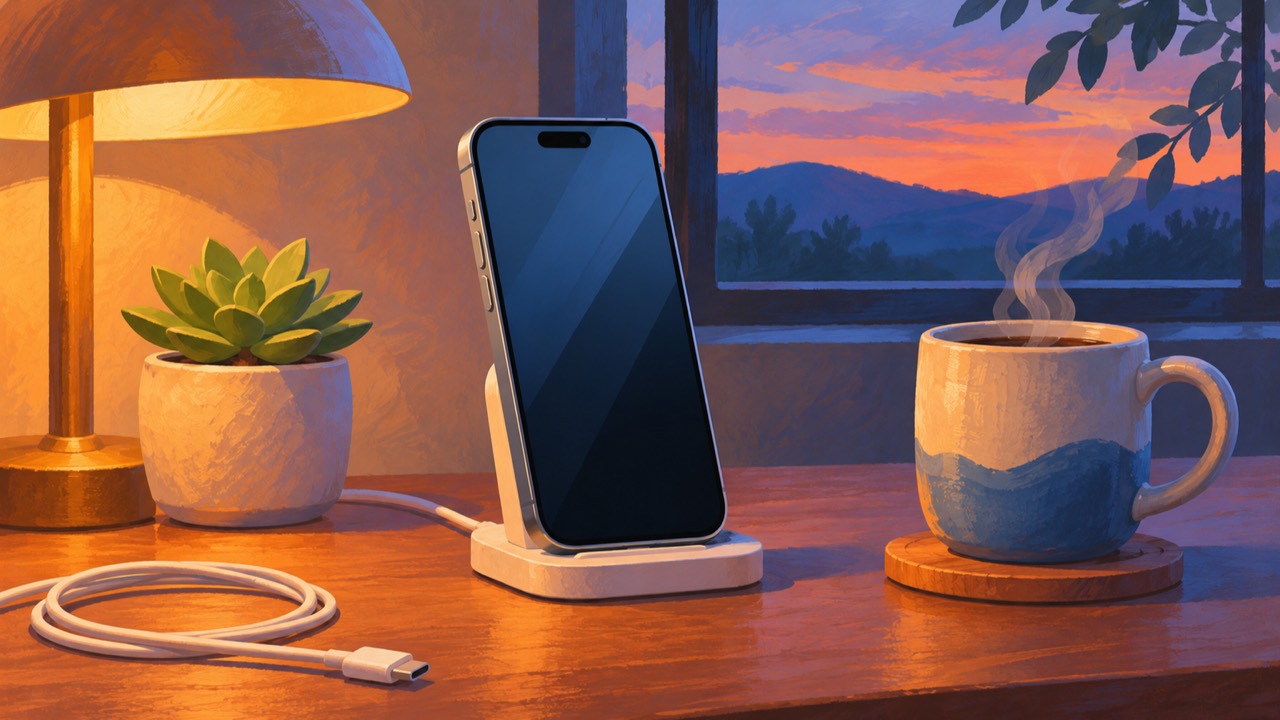
When charging doesn't start, the cable, the port or the temperature is usually the cause. Rule them out one by one following Apple.
1. Check the cable and port
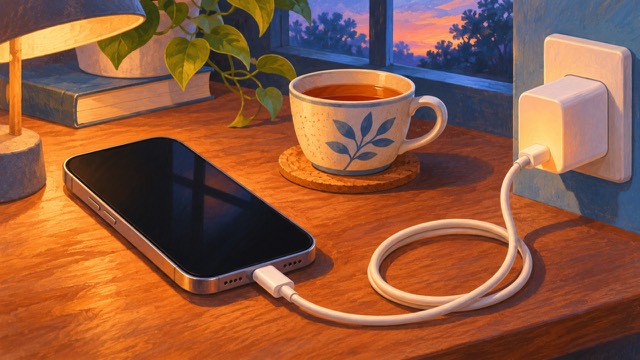
Inspect the cable and USB adapter for damage or bent prongs and don't use damaged ones. Clear debris from the charging port, plug in firmly, connect to a wall outlet and restart the iPhone.
2. Charge for half an hour
Charge for about half an hour. If it still won't turn on or shows only a battery icon, force restart and charge another half hour; if that fails, it may need service.
3. Stopping at 80% isn't always a fault
Optimized Battery Charging, a warm battery, or the Charge Limit on iPhone 15 and later can all stop charging at 80%. For an “accessory not supported” alert, try another cable or charger and update iOS.
Sources: support.apple.com/en-us/108805
 Inside