How to wirelessly charge an iPhone when the pad does nothing
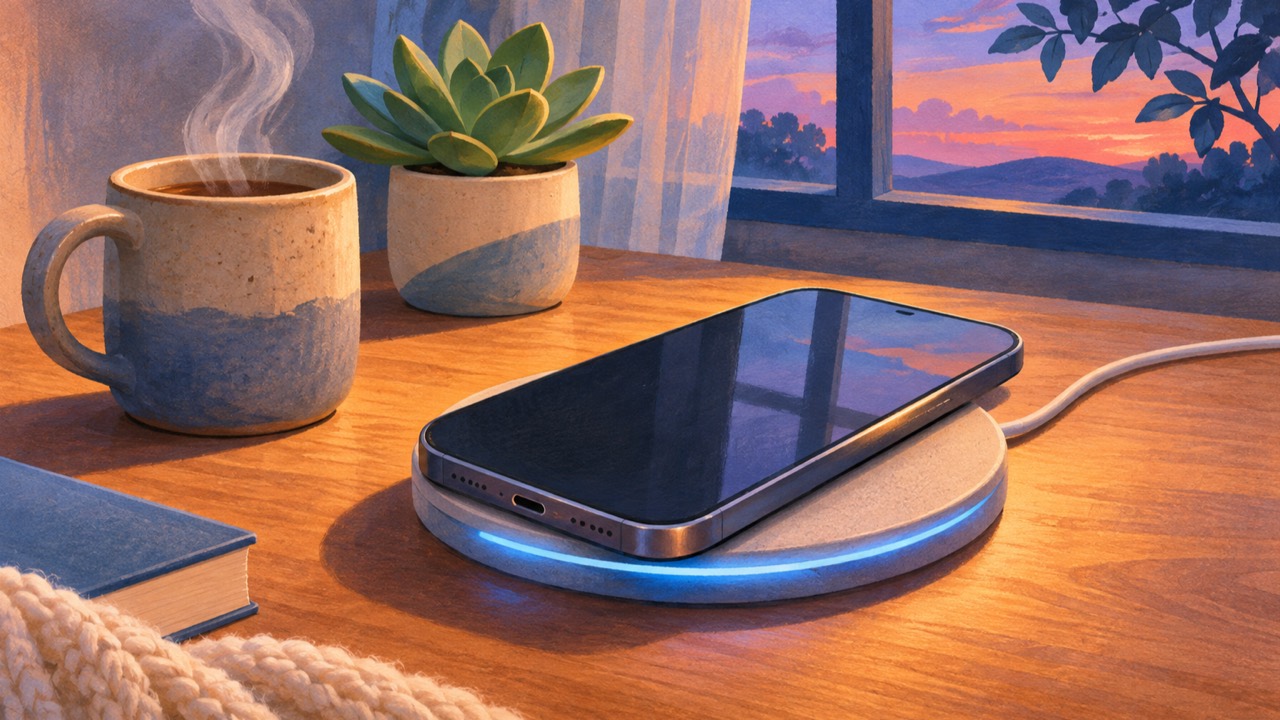
Place a compatible iPhone face up in the center of a Qi-certified charger. If it does not charge, check alignment, the case, cards, and any connected USB cable.
1. Power the charger
Use a Qi-certified charger with its supplied or manufacturer-recommended adapter. Put it on a level surface or in the recommended position.
2. Center the phone face up
Place the phone face up in the center, or as instructed by the manufacturer. Check for the charging icon after a few seconds.
3. Remove objects between them
Put nothing between the iPhone and the charger. Magnetic devices, magnetic cases or other objects can reduce charging performance or damage magnetic stripes and RFID chips; remove the case first if it holds such items. If the iPhone does not charge or charges slowly with a thick case, metal case or battery case, remove the case and try again.
4. Disconnect USB and realign
Wireless charging does not work while the iPhone is connected over USB, so unplug the cable. Vibration from a notification can also move the phone and stop charging; center it again.
5. Address excess warmth
Some warmth is normal. If the battery gets too warm, software may limit charging above 80%. Move the phone and charger somewhere cooler.
Sources: support.apple.com/zh-tw/108377 · support.apple.com/zh-tw/guide/iphone/iph91de3977e/27/ios/27 · apps.apple.com/us/app/inside-phone-check/id6816782363
 Inside