iPhone charging port wet? What to do about a liquid alert
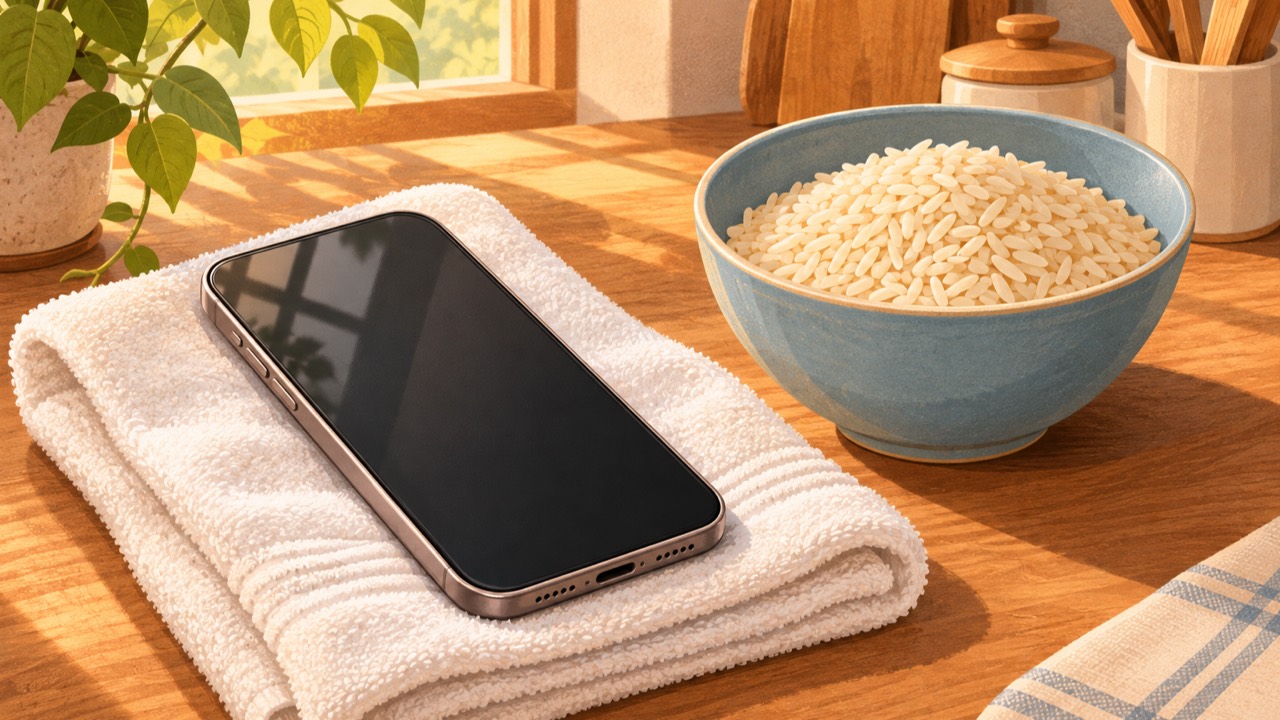
Disconnect the cable and let the connector dry. Avoid heat, objects in the port, and rice; drying can take up to 24 hours.
1. Disconnect both ends
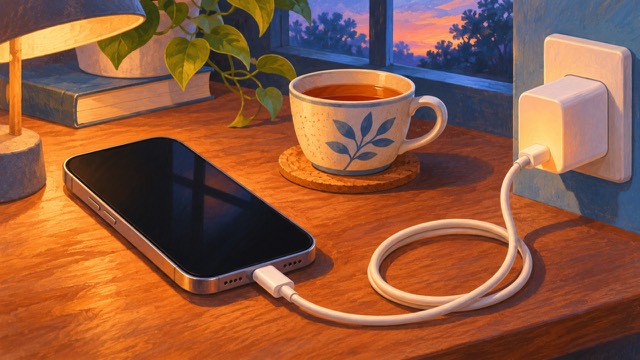
Unplug the cable from both the phone and the adapter or accessory. Reconnecting while wet can corrode the pins.
2. Let excess liquid drain
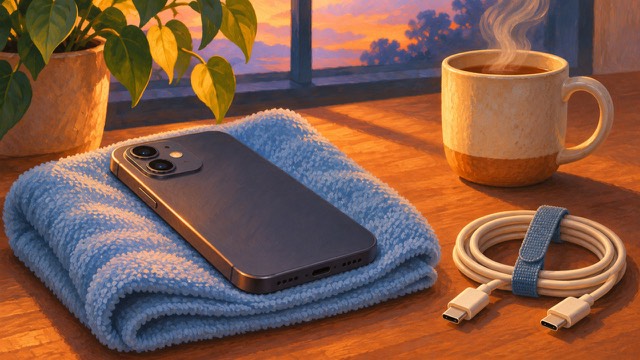
Gently tap the phone against your hand with the connector down, then leave it somewhere dry with airflow. Avoid heat, compressed air, cotton swabs, and paper towels.
3. Wait before trying again
Wait at least 30 minutes before retrying. Another alert means more drying is needed, potentially up to 24 hours. Do not use rice.
4. Consider wireless charging
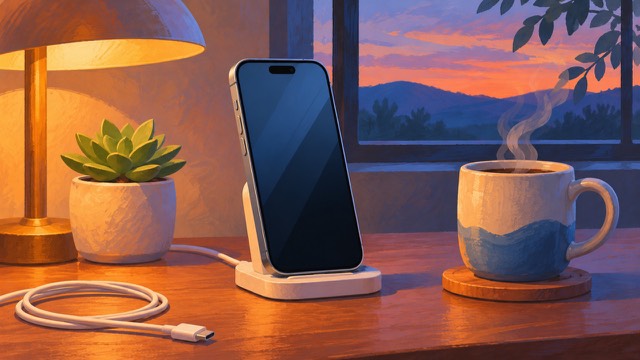
If you have a Qi-certified charger, make sure the back of the phone is dry before using it.
5. If the alert persists
If only one cable triggers the alert, contact its manufacturer. Persistent alerts with Apple cables may require service.
Sources: support.apple.com/zh-tw/102643 · support.apple.com/en-us/102643 · apps.apple.com/us/app/inside-phone-check/id6816782363
 Inside