No sound or distorted sound from your iPhone speaker?
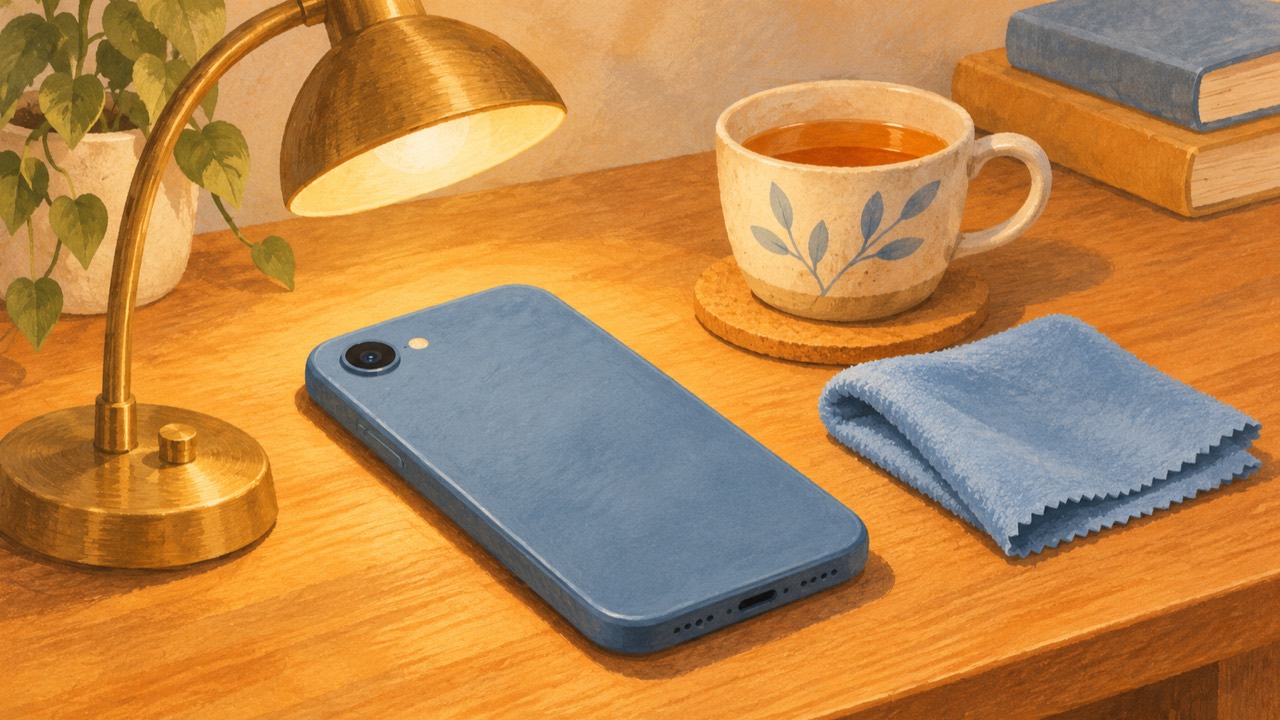
A silent speaker is often just Silent mode or Do Not Disturb. Check in this order to tell a setting from a hardware fault.
1. Turn off Silent mode and Do Not Disturb
Move the Ring/Silent switch so no orange shows; on an iPhone with an Action button, check Control Center. Then make sure Settings > Focus > Do Not Disturb is off.
2. Clean the speaker openings
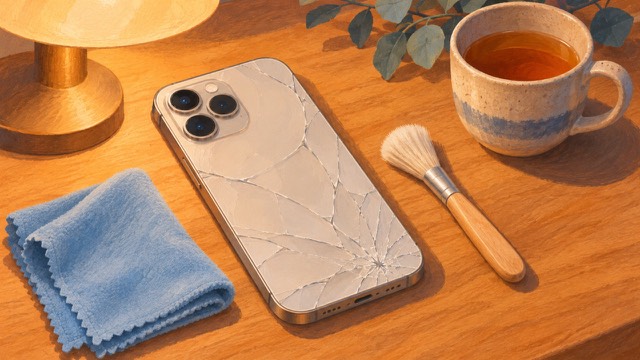
Remove screen protectors, films or cases, check the speaker opening and receiver for blockage, and clean them with a small, clean, dry soft-bristled brush.
3. Test with the ringtone slider
Go to Settings > Sounds & Haptics and drag the Ringtone and Alerts slider back and forth. If you hear nothing or the speaker button is dimmed, Apple says the speaker may need service.
Sources: support.apple.com/en-us/118432
 Inside