How does iPhone Measure work? Understanding camera measurements
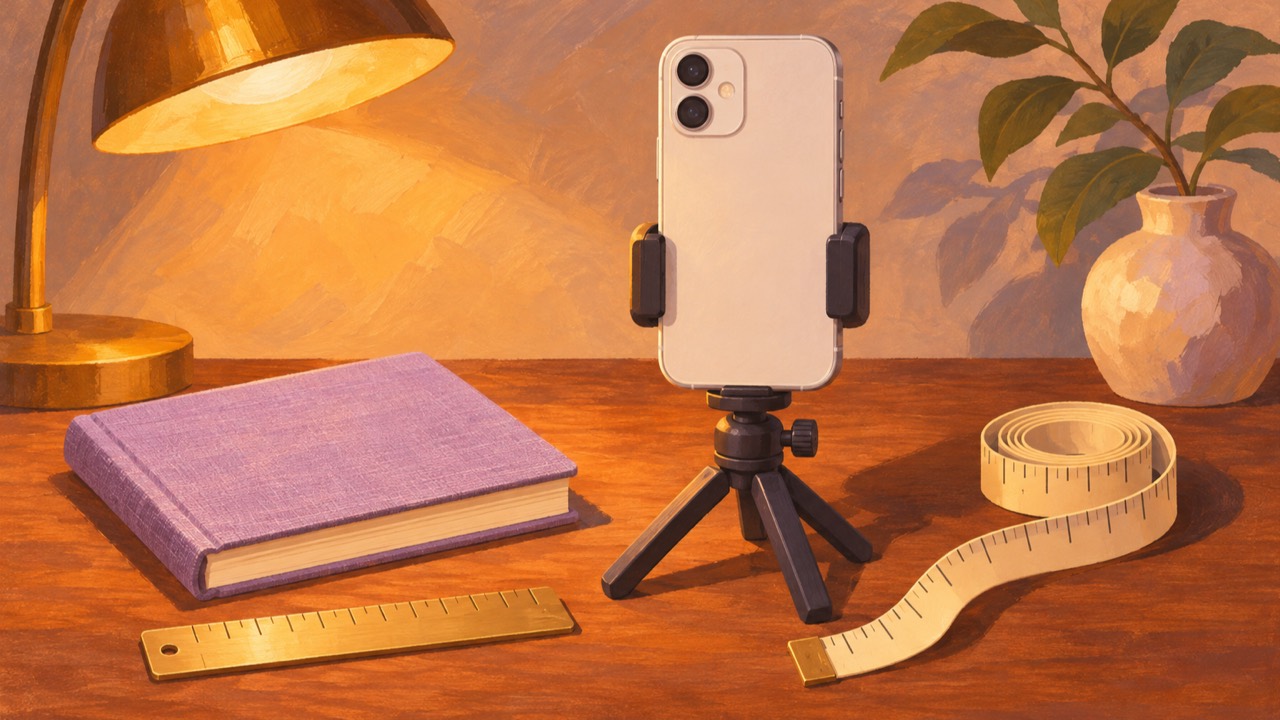
Measure uses augmented reality and the camera to display object dimensions, with automatic rectangle detection as well as manual endpoints. Apple describes the readings as approximate.
1. It uses augmented reality
Apple introduced Measure as an augmented reality app for measuring objects and spaces. Measurement lines appear over the camera view.
2. The camera scans nearby objects
Apple instructs you to slowly scan nearby objects with the camera, then frame the object whose dimensions you want to measure.
3. Endpoints define the measurement
For a manual measurement, align the center dot with the start, then move to the endpoint. The chosen points define the distance being measured.
4. Rectangles can be detected automatically
When the camera detects a rectangular object’s edges, a white frame lets you view its dimensions. This differs from manually choosing two points.
5. The reading remains approximate
Apple calls the results approximate and recommends well-defined objects 0.5–3 meters away. An onscreen line does not establish construction-grade accuracy.
Sources: support.apple.com/zh-tw/118387 · support.apple.com/zh-tw/guide/iphone/iphd8ac2cfea/27/ios/27 · apps.apple.com/tw/app/roomory-floor-plans/id6825348801
 Roomory